
11.16.2026

-Insights  

Unplugged GPS Trackers: Why Fleets Are Going Deviceless

Three Ford pickup trucks parked in a row, an orange Maverick Lariat in front of a white F-150 Limited and a white Super Duty, with trees behind them
Date

11.16.2026

Category
Insights
Share

An unplugged GPS tracker is easy to miss until you need the data. Plug-in trackers sit in the OBD port under the dash, where they get kicked loose, pulled during service or unplugged on purpose. On supported vehicles, deviceless telematics connects through the automaker instead, so there's nothing in the cab to unplug.

  • Plug-in trackers fail quietly, and the gap often shows up only when you go looking
  • Tamper fixes like hardwiring add install work to every truck
  • Built-in automaker connectivity removes the device on supported vehicles

Most fleet managers don't watch the map all day. You check it when something comes up: a customer says the tech never showed, a time card doesn't add up, or a truck isn't where it should be. That's when you find the gap. The truck stopped reporting on Tuesday, and nobody noticed because nobody was looking. Here's why plug-in trackers keep going offline, what the usual fixes cost you in time, and how to run tracking with no device in the truck.

Why Do GPS Trackers Keep Getting Unplugged?

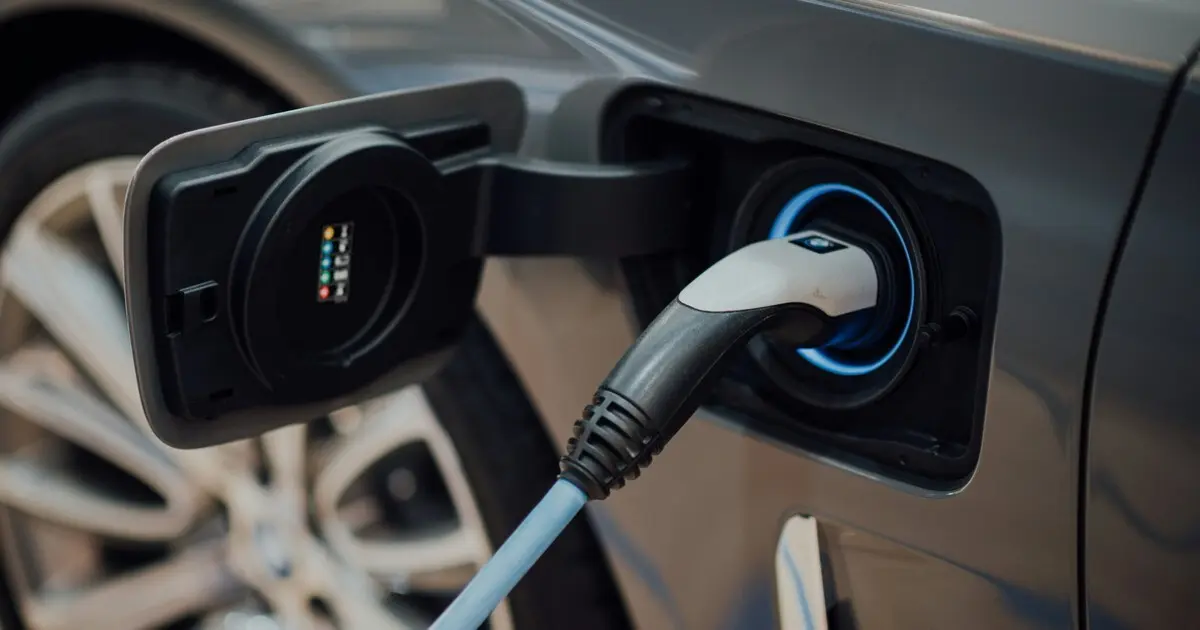
Because the OBD port is built to be reached. It sits under the dash, near the driver's knees, so a mechanic can plug in a scan tool. That also makes it easy to knock a tracker loose or pull it out.

Trackers come out for a few common reasons:

  • Bumps. Drivers climb in and out of work trucks all day. Boots, knees and cargo knock devices loose.
  • Service visits. A shop unplugs the tracker to use the port and doesn't put it back.
  • Battery worries. A plug-in device draws a little power while the truck is parked. When a battery dies after a long weekend, the tracker gets the blame and gets pulled.
  • Feeling watched. Some drivers unplug trackers because a device under the dash feels like someone looking over their shoulder. Fleet managers we talk to often say it's less about hiding something and more about how the device feels.

Whatever the cause, the result is the same. Depending on the device, you might get an unplug alert, or the truck might simply show as offline until someone plugs it back in.

What Does an Unplugged GPS Tracker Cost Your Fleet?

The device is the small part. The real cost is the gap and the work around it.

  • Missing records. If a tracker is out when a customer disputes a visit or a time card needs checking, there's no trip history to look at.
  • Theft exposure. The OBD port is easy for a thief to find, and a plug-in tracker comes out in seconds.
  • Trips to fix trackers. Someone has to find the vehicle, get to it and plug the device back in. With trucks spread across a region, that can take days.
  • Installs on every new vehicle. If you lease, trucks cycle in and out on a schedule. Each new one needs a device and an install appointment before it's tracked.
  • Removal at turn-in. Before a leased truck goes back, someone has to pull the tracker and often ship it back to the vendor.

None of this shows up on the tracking invoice, but your team pays for it in hours.

Do Tamper Fixes Like Hardwiring Solve the Problem?

They help, but they don't remove it. Common fixes include:

  • Zip ties and locking brackets that hold the device in the port.
  • Y cables and extension cables that free up the port for service or move the tracker out of sight.
  • Hardwiring the device into the vehicle's power, which usually means a professional installer and more time per truck.
  • Unplug alerts that notify you when the device loses power.

Each one adds steps to every install and every removal. Extra cables and splices also add more places for a connection to fail. And an alert only tells you after the gap has started. You're still managing a device in every truck.

How Does Deviceless Telematics Work?

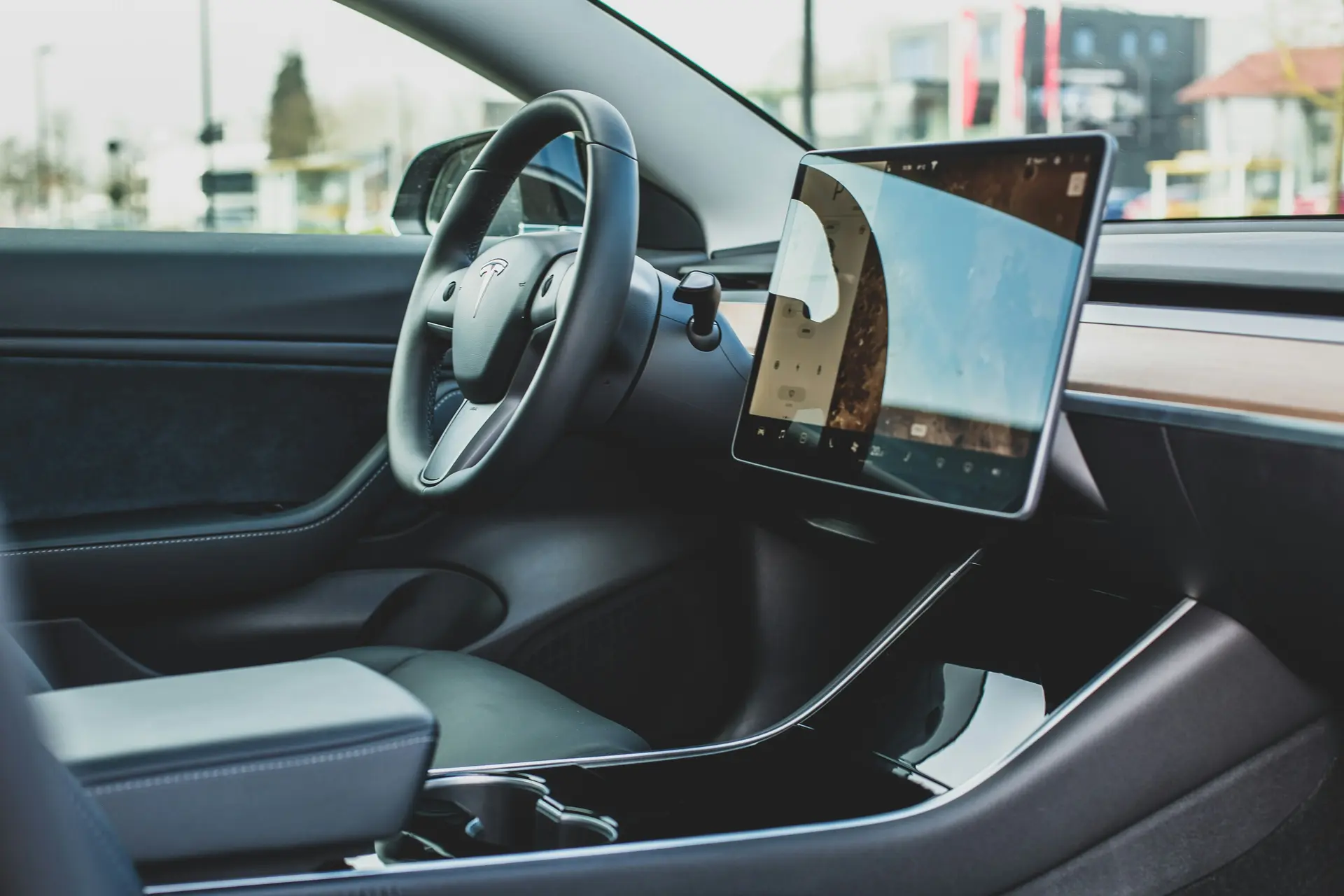
Many newer vehicles leave the factory with a built-in modem that already reports location and vehicle data to the automaker. Deviceless telematics uses that connection instead of adding hardware of your own.

Standard Fleet connects directly through each vehicle's built-in OEM system. You share your VINs, we connect your supported vehicles, and most fleets deploy in days. There's no install, no technician visit and no downtime. Here's how onboarding works without hardware.

Because the connection runs through the vehicle itself, there's no device to break, fall out or install. On supported vehicles, that changes the job:

  • A free OBD port. Your shop can use it without unplugging anything, and there's nothing for boots or cargo to bump.
  • New trucks connect by VIN. There's no install appointment when a new lease vehicle arrives.
  • Nothing to pull at turn-in. When a truck goes back, there's no device to remove or ship.

For field service teams, the features that matter most are usually the simple ones:

  • Trip history you can match against time cards and job records.
  • Geofence and speed limit automations, so you get an alert when a truck reaches a job site or goes over a speed you set.
  • Service and maintenance alerts from the vehicle itself, so problems get fixed between jobs.

Standard Fleet supports 30+ automakers and every drivetrain: electric, hybrid and gas. For a broader look at both approaches, see automotive telematics vs. plug-in trackers.

Common Mistakes to Avoid

  • Treating an unplug alert as the fix. It tells you a gap started. It doesn't close it.
  • Assuming the driver did it. Trackers come out by accident and during service too. Check the service record before you have the conversation.
  • Keeping the rules vague. Tell drivers what's tracked and why: job records, time cards, safety and stolen vehicle recovery. A clear policy gets less pushback than a device nobody explained.
  • Forgetting devices at turn-in. If you stay on plug-in trackers, add device removal to your lease return checklist.
  • Assuming every truck can go deviceless. Support varies by make, model and year. Check vehicle compatibility before you plan the switch, and keep devices on trucks that aren't supported.

Unplugged GPS Tracker FAQs

How do I know if a GPS tracker has been unplugged?

It depends on the device. Some send an alert when they lose power. Others simply stop reporting, so the truck shows as offline. Look for vehicles with no recent check-in, or gaps in trip history on days the truck was in use. Then look at the last known location and any recent service visits.

Can a plug-in GPS tracker drain a truck's battery?

It can. A device in the OBD port draws a small amount of power even when the engine is off. On a healthy battery, that's usually not a problem. On an older battery, or a truck that sits for several days, it can add up.

Is a hardwired GPS tracker better than an OBD plug-in?

It's harder to unplug, which is why many fleets choose it. The tradeoff is install time. Hardwiring usually needs a professional installer for each truck, and the device has to come out again when the vehicle leaves your fleet.

Is there an OBD tracker alternative for leased work trucks?

Yes. On supported vehicles, deviceless telematics connects through the automaker's built-in system. Nothing is installed when a truck arrives, and nothing needs to come out at turn-in. Support varies by make, model and year, so start with a compatibility check.

Keep Your Fleet Connected Without a Tracker to Unplug

You need trip records when a customer, a time card or a missing truck raises a question. A device under the dash is the easiest part of that chain to break. If your trucks are newer, they may already have what you need built in. See how Standard Fleet works for field service fleet management, then book a call and we'll check which of your vehicles can go deviceless.
Book a Call

Accelerate your fleet operations

Check fleet eligibility