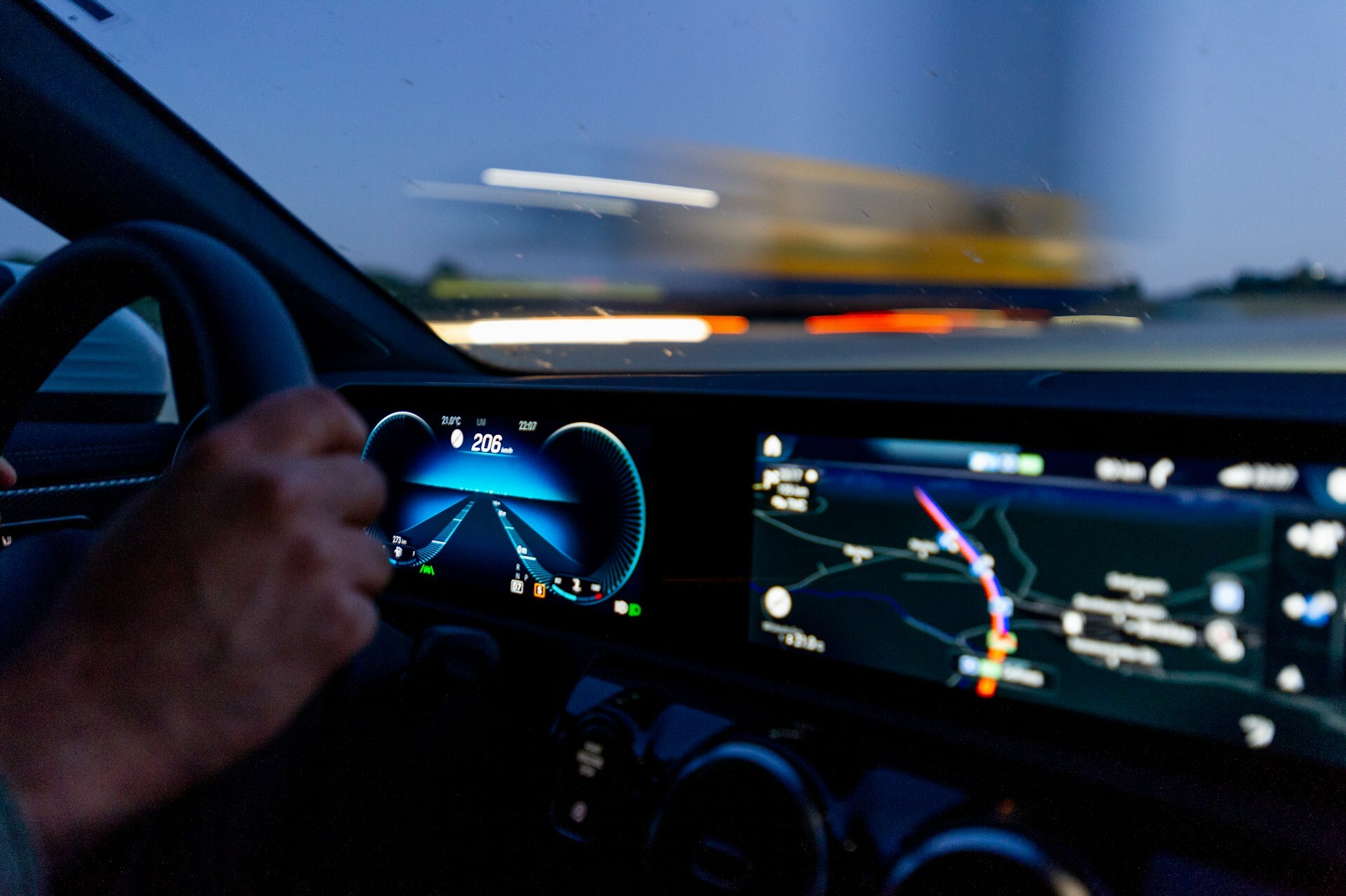
Car telematics uses vehicle connectivity to collect and share information such as location, mileage, fuel or battery levels, and vehicle health. Software-first platforms access available data through automaker APIs, allowing compatible vehicles to connect without aftermarket hardware.
- Fleet managers can monitor vehicle location, fuel or battery levels, usage, and supported diagnostic alerts, with data availability varying by vehicle and manufacturer.
- A unified dashboard brings together data from compatible EV, hybrid, and internal combustion engine (ICE) vehicles, helping teams identify underused assets and plan vehicle assignments.
- Connections through automaker cloud APIs let compatible vehicles share data without aftermarket hardware, removing the need to schedule device installations.
Hardware-based telematics typically requires installing a device in each vehicle before tracking can begin. For growing fleets, coordinating those installations adds work every time new vehicles enter service.
Compatible connected vehicles offer another approach. Their factory-installed sensors and connectivity allow fleet platforms to access supported vehicle data through the manufacturer’s cloud APIs. Fleet managers can review location, mileage, fuel or charge levels, and other available information without installing an additional device.
Here’s how that data reaches your dashboard, what connected vehicles can report, and how fleet teams can use it to make daily operating decisions.
With modern car telematics, every vehicle in your fleet becomes an active data stream, data points into actionable intelligence transmitted directly to a cloud-based platform, normalized through an API, and rendered on a single digital dashboard.
Depending on the vehicle and integration status, this data translates directly into daily utilization gains:
GPS Pings: Transformed into route-optimization insights.
Engine Diagnostic Codes: Turned into automated, predictive maintenance routines.
Ignition Events: Tracked to pinpoint stationary engine running time and eliminate excessive driver idling.
Geofence Alerts: Replace manual check-ins and spreadsheets with automated arrival and departure timestamps.
Software-first car telematics brings vehicle data into a fleet management platform through a series of connections:
The vehicle collects data. Onboard systems capture information such as location, odometer readings, fuel level, and battery state of charge.
The vehicle communicates with the manufacturer’s cloud. Built-in connectivity sends supported information to the automaker’s systems.
An authorized fleet platform accesses available data. After the required authorization is complete, the platform retrieves supported information through the manufacturer’s API.
The platform organizes the data for fleet use. Information from different manufacturers is standardized and presented through dashboards, alerts, and reports.
This gives fleet managers a consistent way to review supported vehicles across brands. Available data and update frequency vary by manufacturer, model year, integration, and vehicle connectivity.
Connected vehicles can provide several categories of information through OEM cloud APIs. The specific data available depends on the vehicle and integration.
Location and activity: Vehicle location and movement data help fleet managers find vehicles and review where they have been.
Mileage and usage: Vehicle-reported odometer readings help teams track mileage, compare usage, and plan service.
Fuel and battery levels: Available fuel or battery state-of-charge data helps operators assess which vehicles are ready for their next assignment.
Vehicle health: Supported tire-pressure readings, service indicators, and diagnostic alerts help teams identify issues that need attention.
Fleet platforms can also use underlying telemetry to build trip histories, evaluate geofence activity, and generate reports. These are platform-generated outputs rather than necessarily being records sent directly by the vehicle.
For compatible vehicles, Standard Fleet brings supported information into one platform so teams can review vehicle status and respond to issues.
Automated reporting helps fleet managers review vehicle activity without manually compiling updates from drivers, spreadsheets, or individual vehicle records. Instead of simply collecting more data, teams can use reports to identify where action is needed.
Find underused vehicles. Last-moved and mileage reports can highlight vehicles that may be available for reassignment.
Compare usage across the fleet. Reviewing mileage helps teams spot uneven workloads and make more informed vehicle-allocation decisions.
Review activity outside expected operating hours. After-hours reports help managers investigate vehicle use that may fall outside company policy.
Reduce routine reporting work. Scheduled email delivery puts recurring reports in front of the people responsible for reviewing them.
Reports are most useful when paired with a clear operational response. An underused vehicle might be reassigned to a busier location, while unexpected after-hours activity might prompt a review with the responsible team. The value comes from making those decisions easier, not from assuming that visibility alone reduces costs.
Growing fleets can deploy hardware-free telematics in days, not weeks, with no technician appointments or vehicle downtime.
1. Confirm compatibility. Provide vehicle VINs so eligibility and supported capabilities can be checked.
2. Complete authorization. Follow the required consent or manufacturer-account process to authorize access to vehicle data.
3. Activate connections and review the data. Once connected, confirm which information is available for each vehicle in the fleet platform.
Connection timing varies by manufacturer, vehicle eligibility, and authorization requirements. Checking compatibility at the start helps fleet managers understand what to expect before rolling out across the fleet.
Software-first car telematics gives fleet managers access to supported vehicle data without installing aftermarket devices. Bringing location, mileage, fuel or battery levels, and vehicle-health information into one platform helps teams make more informed decisions about vehicle assignments, maintenance, and daily operations.
Hardware-dependent telematics adds recurring installation costs as you scale, forces vehicle downtime during technician visits, and creates data blind spots from surface-level OBD-II readings.
The right starting point is understanding which vehicles are compatible and what information each connection can provide. If you are ready to experience software-first fleet intelligence, book a 15-minute demo to see how fast Standard Fleet can connect your operations.